Features
Everything you need to win the neighborhood — in one workspace
Afterplots helps local businesses find busy blocks, rank the right doors, mail personalized postcards, and turn scans into calls and booked consults — with instant alerts, branded homeowner emails, and five-touch outreach from one row.
Pick a product below, or follow the three-step path most teams use every week.
Step 1 of 8
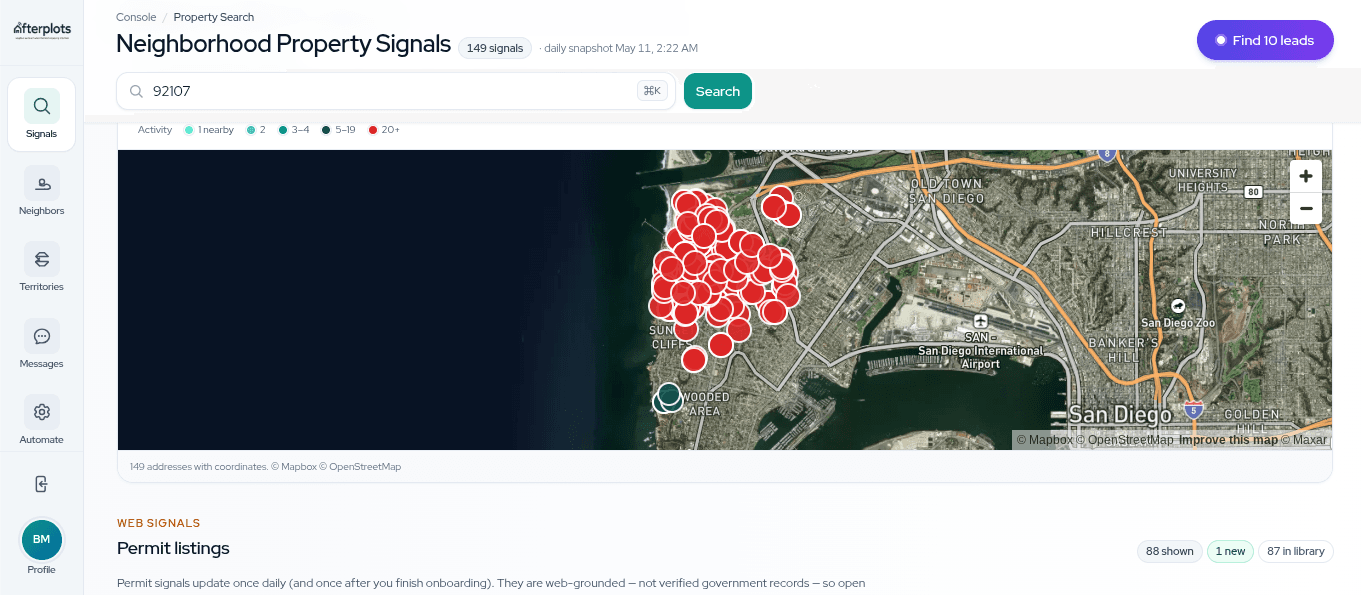
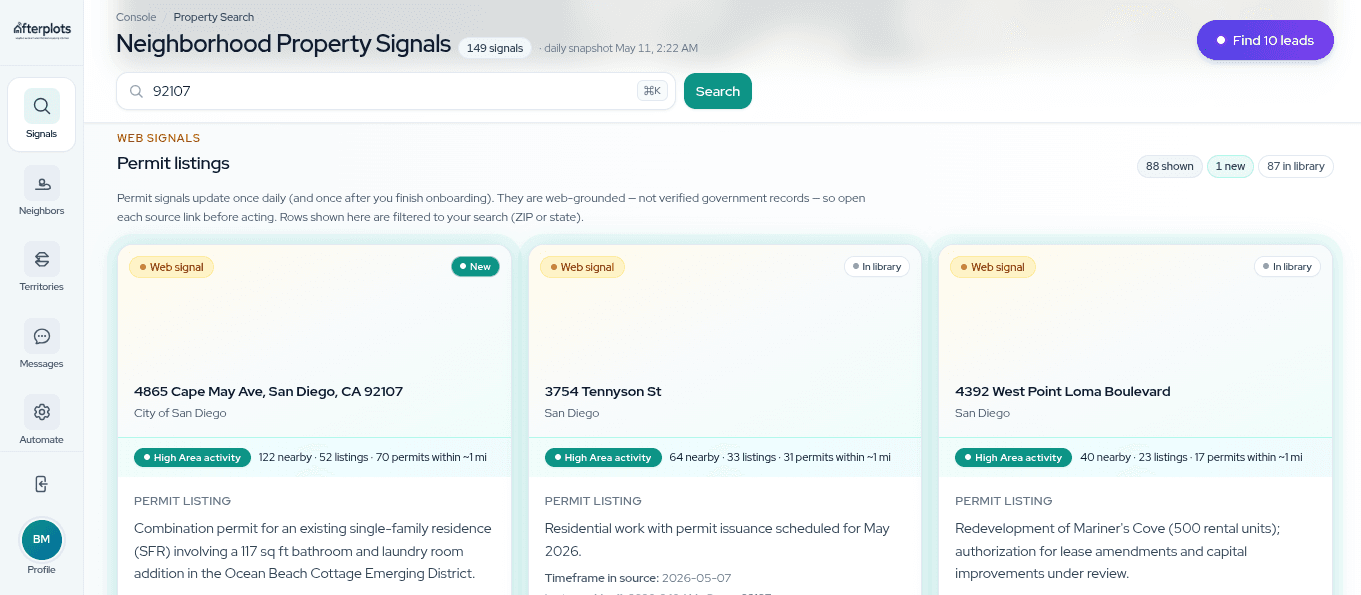
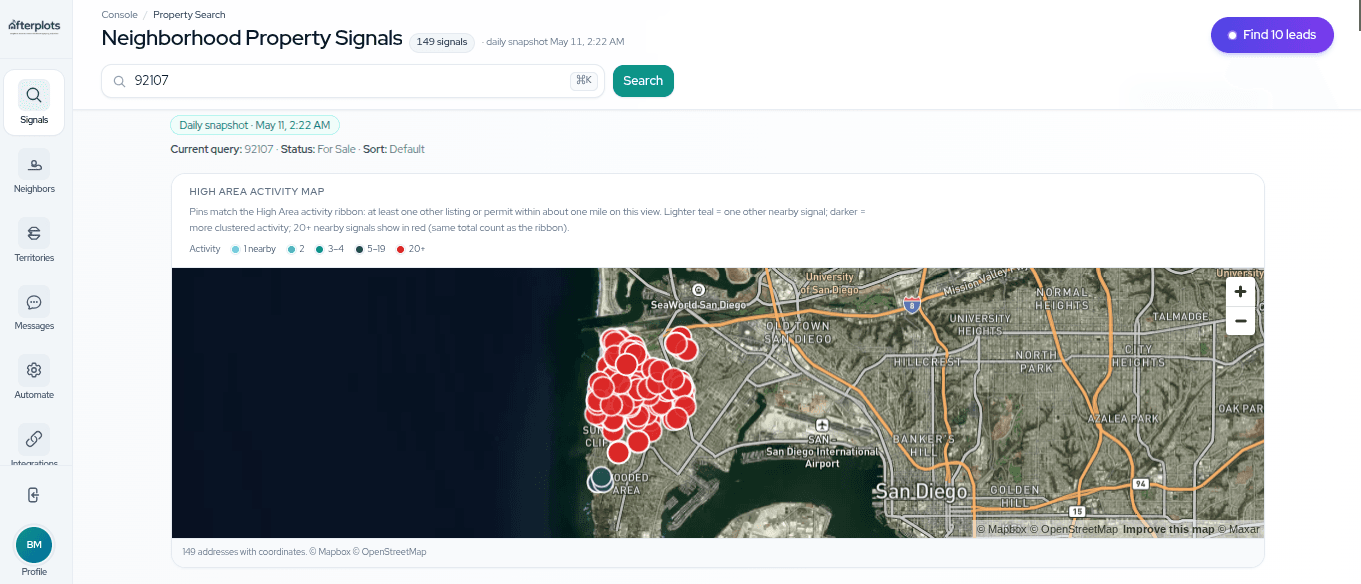
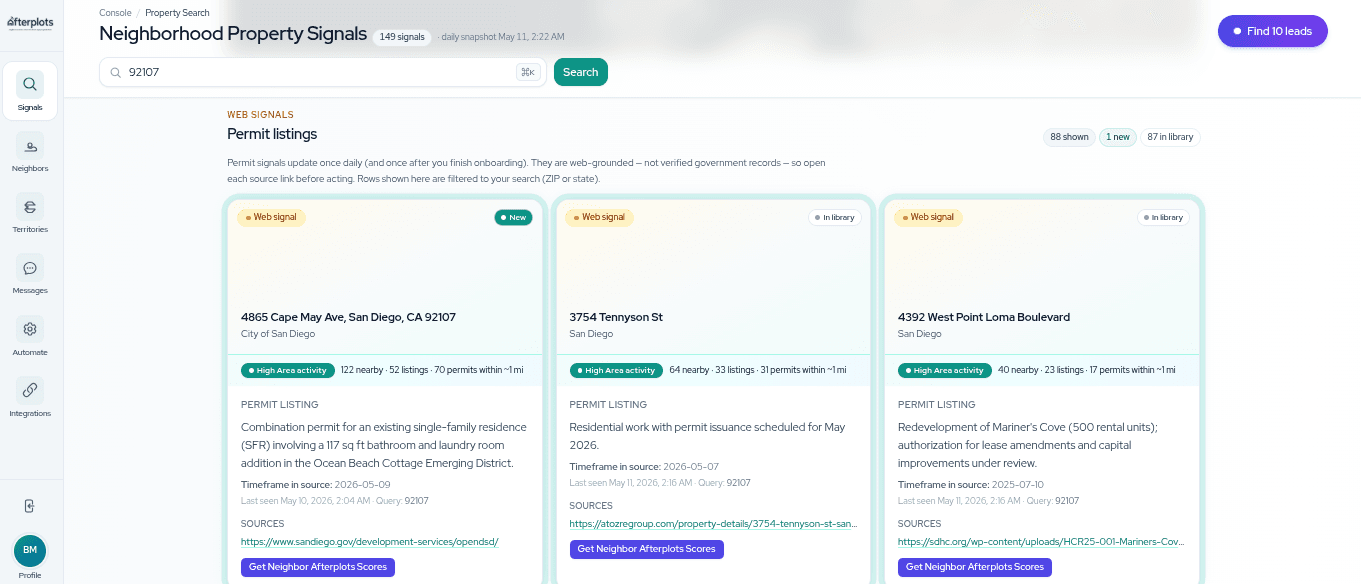
One search, whole neighborhood
Listings, permits, and neighborhood movement in one feed—launch outreach when a block starts moving.
How it fits together
You do not need every feature on day one. Most operators loop through search → list → outreach.
- 01
Find the signal
Property Search shows listings and permit activity on one map — with neighborhood bands so you start on a sought-after block, not a cold list.
Learn more → - 02
Pick the doors
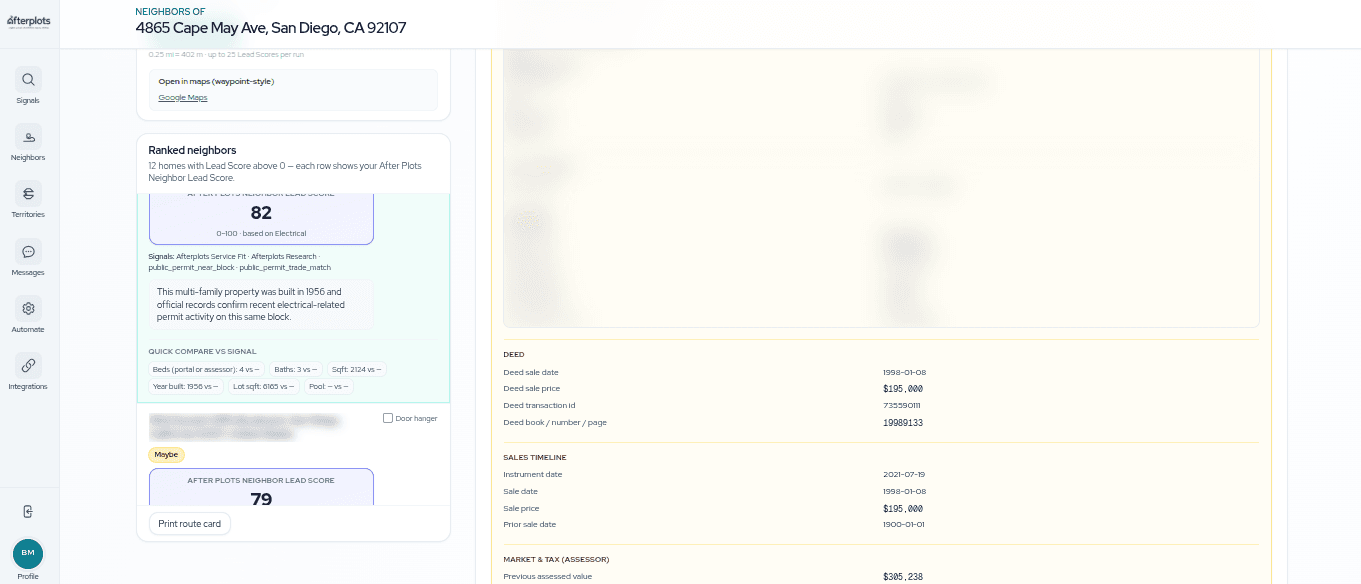
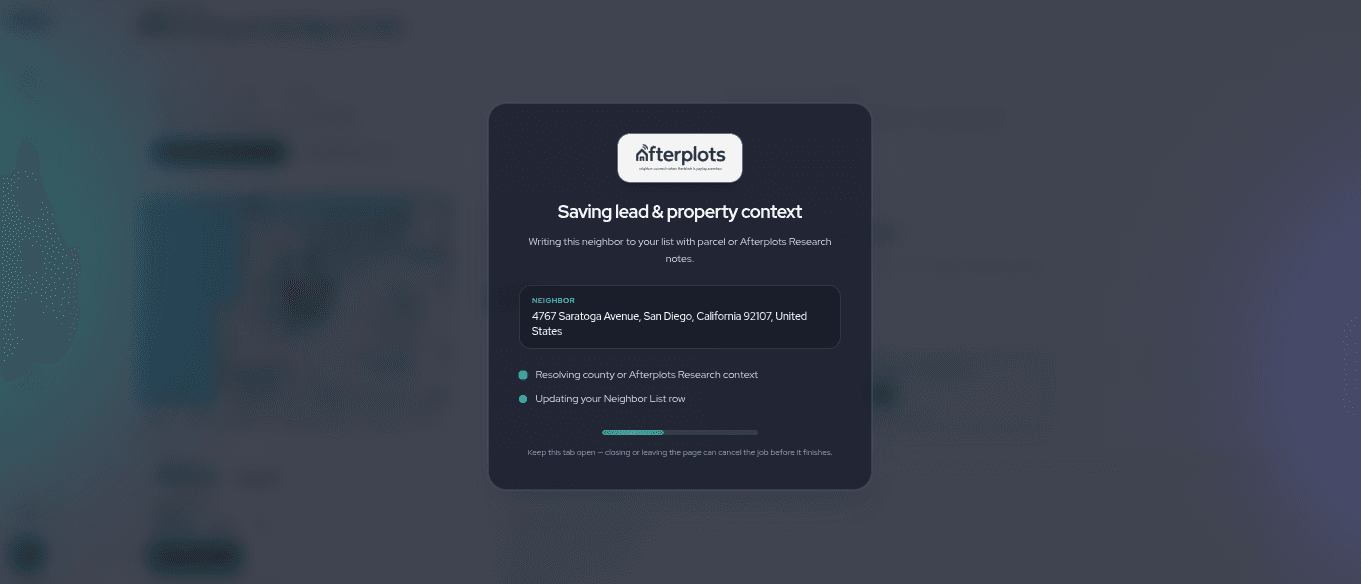
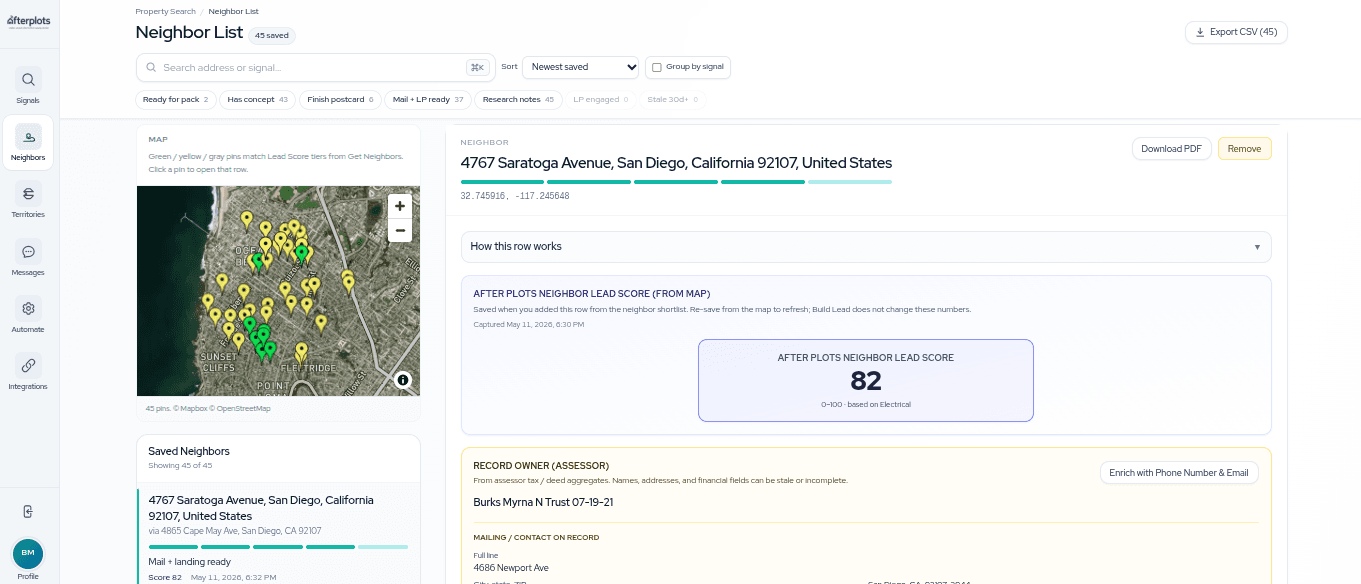
Score neighbors, save the best rows, and build postcard + landing page packs keyed to each address.
Learn more → - 03
Start the conversation
Mail the card. When someone scans, you get a call-now alert, they land on a booking-first page, and branded follow-up emails keep the thread warm.
Learn more → - 04
Measure the payoff
Tracked calls, consults, and booked jobs roll up in Results — with cost per booked job so you know what mailed.
Learn more →
Run the daily console
Find signals, read the neighborhood, work each door, and run outreach — the core loop.
- Search & signals
Property Search
Search listings and permits. Spot busy blocks and the neighborhoods you want to work.
Read more → - Proprietary scoring
Neighbor Lead Score
A clear 0–100 score on every door — with the evidence behind it.
Read more → - Lead workspace
Neighbor List
One row per home: score, creative, mail, scan alerts, and a Call now banner when they engage.
Read more → - Contact enrichment
Lead enrich
Owner phone and email on the row — powers call-now alerts and one-tap booking after a scan.
Read more → - Customized creative
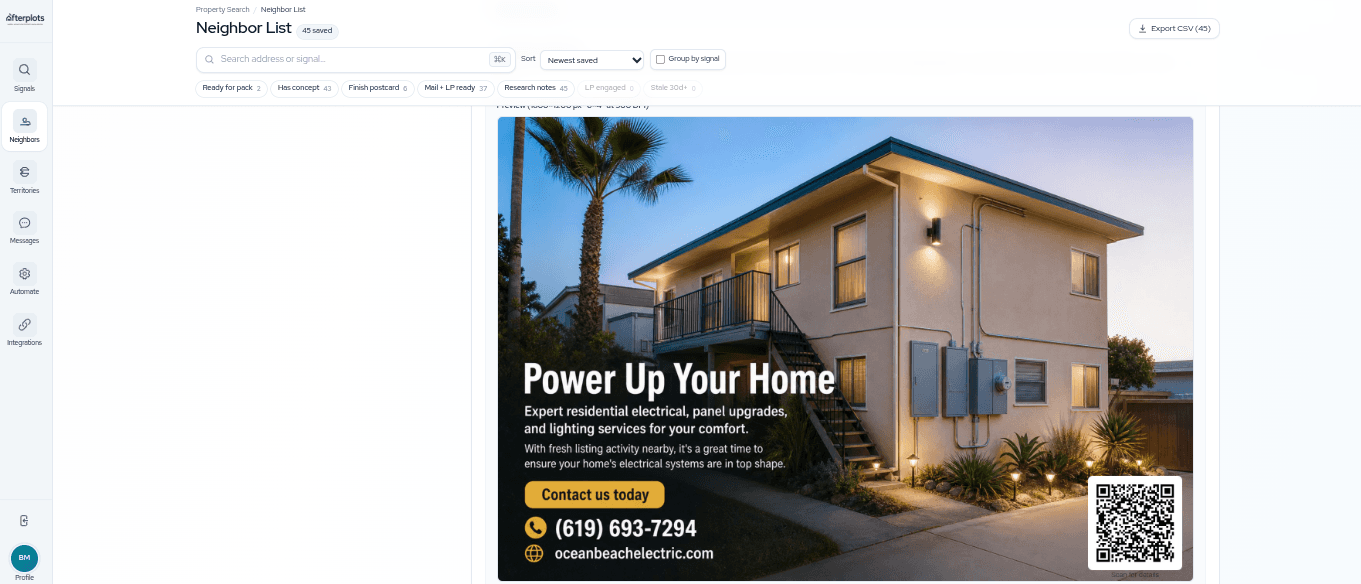
Postcards, landing pages & QR
Postcard, personal page, and tracked QR — instant scan alerts and branded homeowner emails.
Read more → - Homeowner chat
Landing page chat
Homeowners chat, one-tap book when you already have their contact, and get branded follow-up emails.
Read more → - Five-touch sequence
Multi-channel sequence
Five touches from one row — email, call, mail, landing page, and Google retargeting for engaged scanners.
Read more → - Measure what mailed
Results
Tracked calls, scan-to-consult speed, and booked jobs in one funnel — with honest cost per booked job.
Read more → - Signal automations
Automations
Daily runs that score neighbors and draft packs while you sleep.
Read more →
Coordinate the team
Route blocks, assign work, and stay aligned as you scale.
Connect and brand
Brand the experience and plug into the tools you already use.
- Google Ads sync
Audiences
Connect Google Ads once — retargeting lists after mail, consent-gated sync, and Scale lookalike audiences.
Read more → - Connect your stack
Integrations
CRM and Slack alerts on scan — including call-now pings — plus Jobber, audience exports, and permit layer for your territory.
Read more → - Brand & billing
Profile & branding
Brand, services, billing, and team roles in one place.
Read more →
All features
15 products — each with a full page when you want the details.
New here?
Start with Property Search, save a few neighbors, and build your first postcard. Come back anytime — this page is your map.